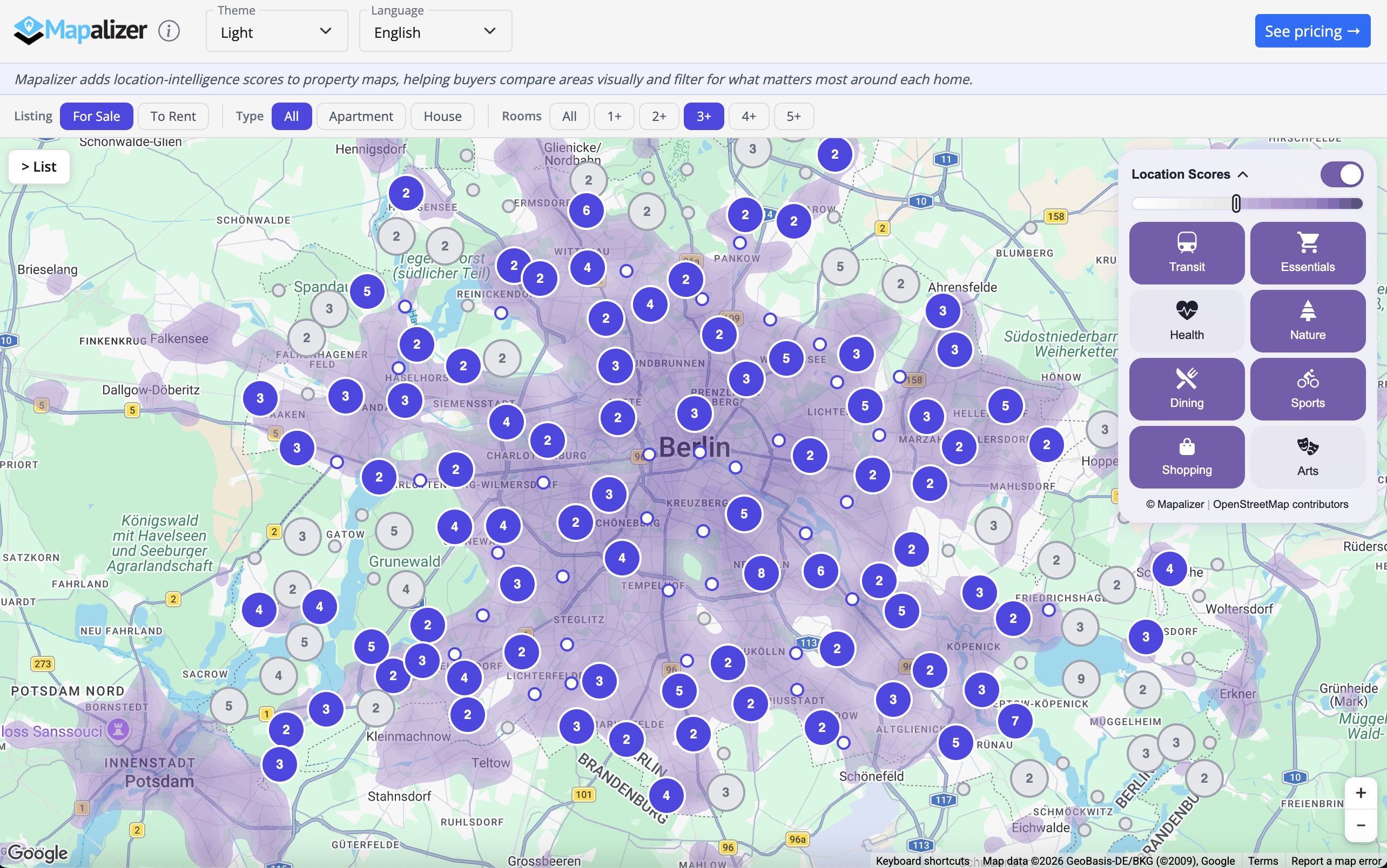
Real Estate Demo
See Mapalizer embedded in a realistic German property search interface, the way your users will experience it.
- 2,000 fictional Berlin listings with price markers, clustered map pins, and hover/click sync between the list and the map.
- Toggle the demo's marker styling to see that Mapalizer scoring can work with greyed-out markers or with your original marker design left untouched.
- The Mapalizer location-intelligence overlay runs live on top of the map. Try it to see instant location scoring.
Widget Examples
Embed a self-contained location-score widget anywhere on your page, no map required.
- Use
renderWidget()to render a badge-based score grid into any container element. - Drop-in HTML embed via
data-mpl-widgetattribute, no JavaScript needed on the host page. - Fully customisable: choose categories, top-N filtering, light/dark theme, and language.
Configurator
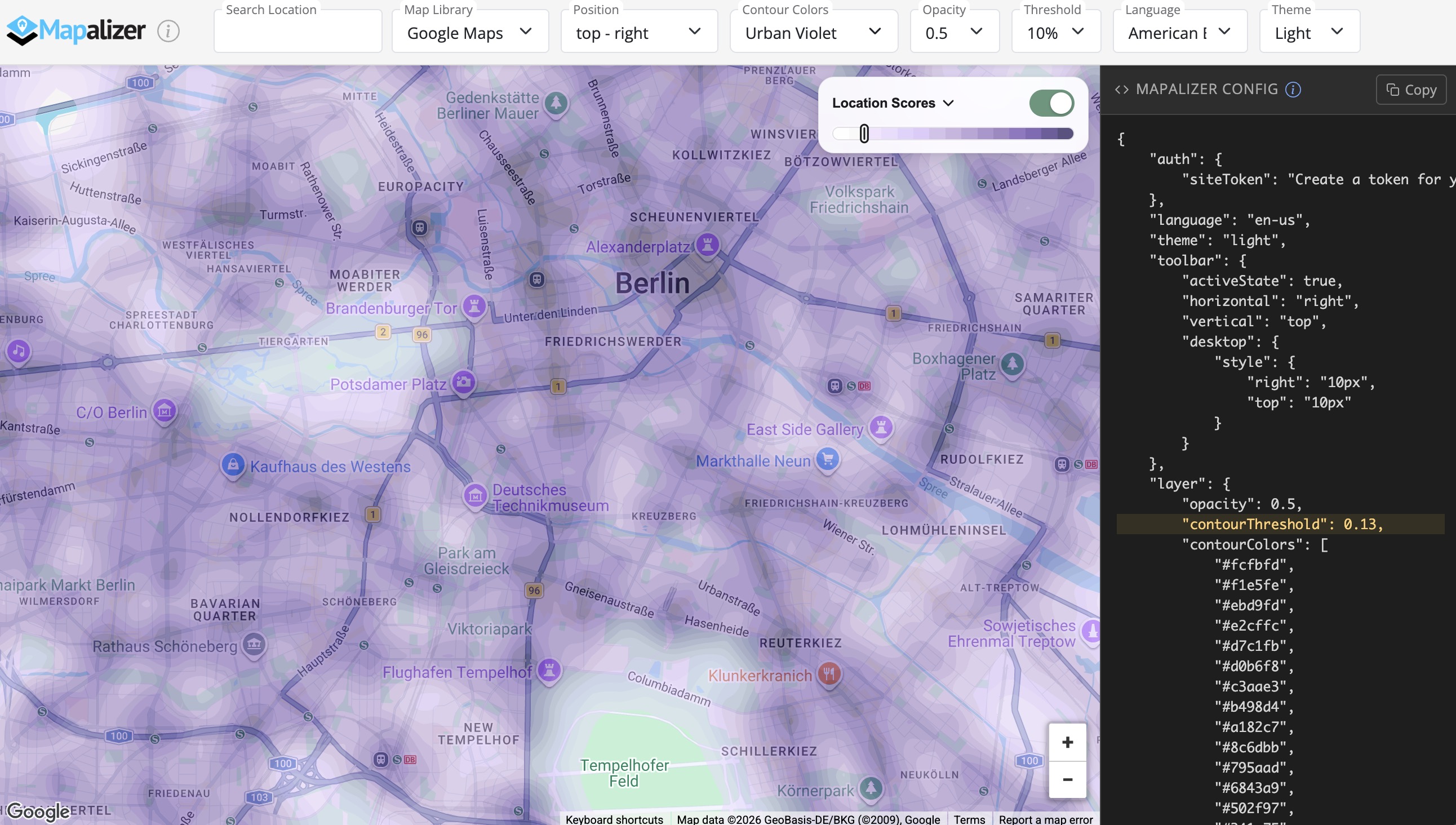
Configure the Mapalizer toolbar visually before you integrate it into a production real estate map.
- Adjust toolbar position, opacity, default threshold, language, and contour colors directly in the browser.
- Test how the overlay behaves on real map data without writing setup code first.
- Generate a copy-paste-ready JSON configuration for your final implementation.
Toolbar Themes
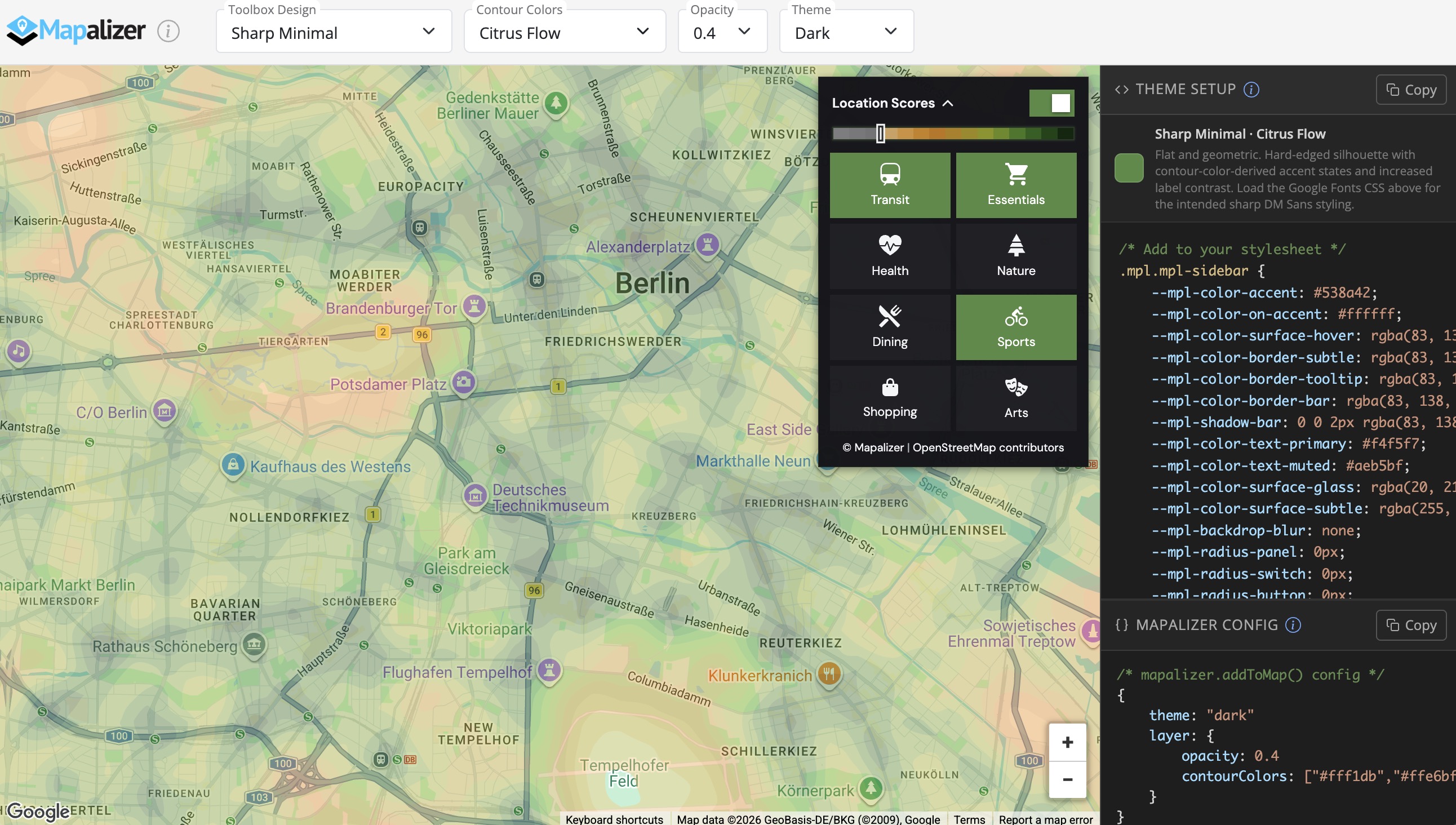
Explore design variations for the toolbar and compare visual styles that still stay compatible with the Mapalizer system.
- Preview multiple toolbar looks without changing the underlying product behavior.
- See how CSS-only styling changes can reshape the interface while preserving structure.
- Keep contour colors, controls, and overall UI appearance visually coherent.
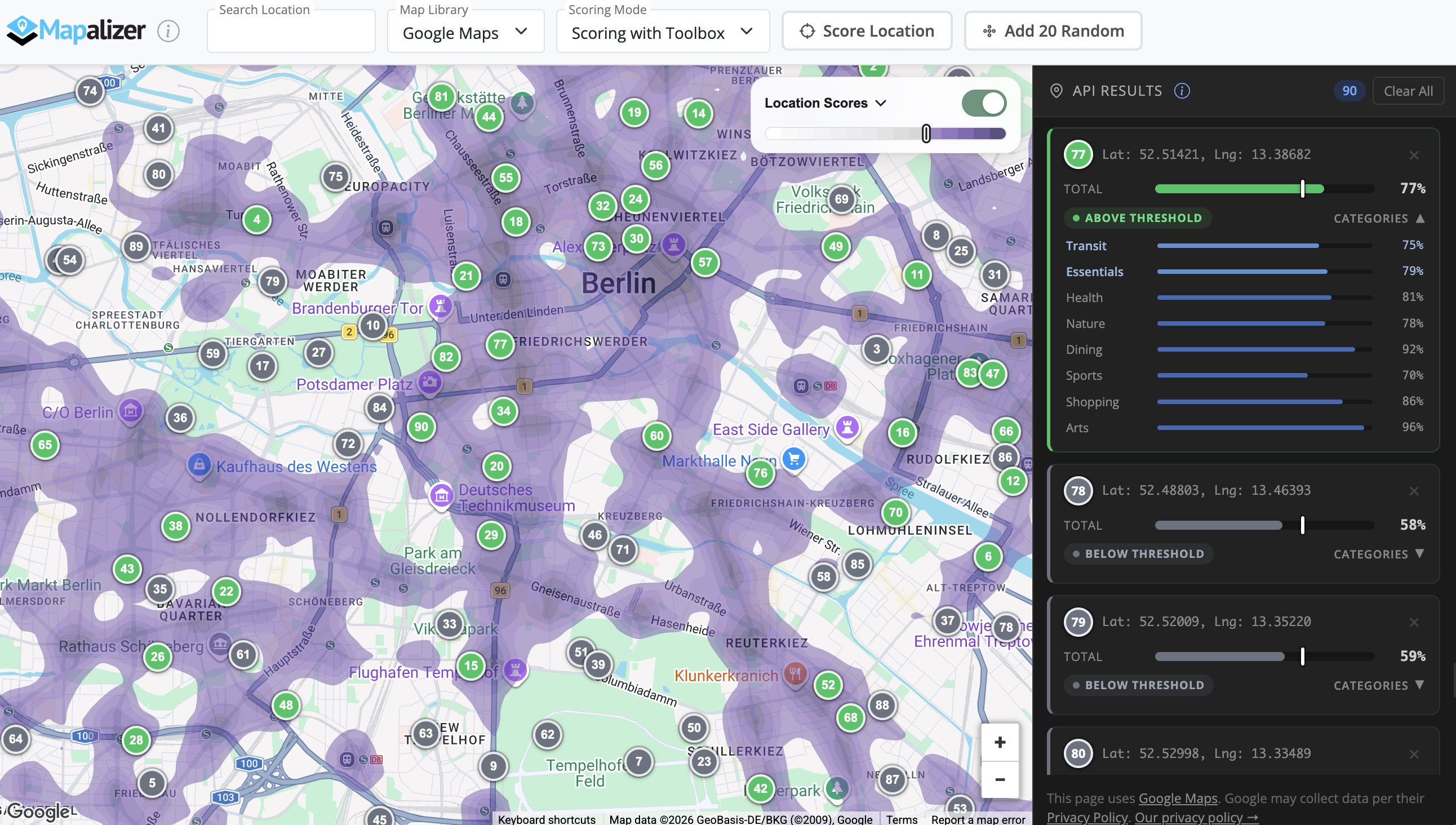
API Examples
Review programmatic examples for working with Mapalizer scores outside the default toolbar UI.
- Use
getScores()to request location scores for custom coordinates, with or without a map. - Build your own markers, panels, tables, or visual layers on top of the returned data.
- Understand how Mapalizer can support custom real-estate-focused user experiences beyond the standard widget.